
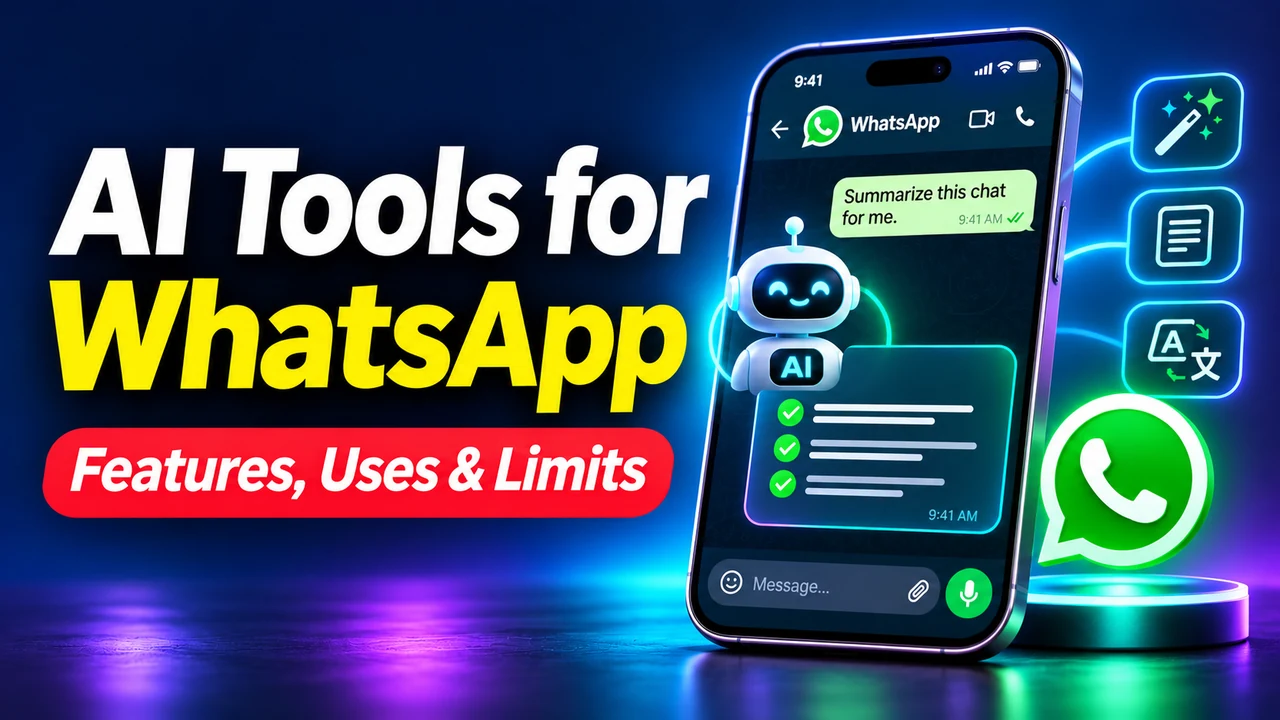
WhatsApp is no longer just a place for exchanging messages, photos and voice notes. Artificial intelligence is changing how people search for information and communicate with businesses. From Meta AI answering questions to business agents handling customer inquiries, the opportunities are expanding. But Meta AI, WhatsApp Business automation and third-party AI chatbots are not the same thing. This guide explains their capabilities, business uses, costs, privacy considerations and limitations as of October 2026.
What Are AI Tools for WhatsApp?
AI tools for WhatsApp use artificial intelligence to assist with conversations, generate content, answer questions or automate business workflows. They broadly fall into three groups: built-in personal AI assistants, business AI agents, and third-party messaging integration platforms.
- Built-in assistants: Meta AI offers personal conversational and creative assistance in supported WhatsApp experiences.
- Business AI agents: Eligible businesses can automate routine customer conversations using approved business information.
- Third-party platforms: External providers connect WhatsApp messaging with CRM systems, contact centers, AI services and workflows.
1. Meta AI: The Built-in Assistant
Meta AI is Meta’s conversational assistant across supported applications, including WhatsApp. Available functions vary by market, device and account. It can help answer questions, brainstorm ideas, improve messages, plan activities and, where supported, generate images or provide other creative assistance.
What Can Meta AI Do?
- Answer questions and explain unfamiliar topics.
- Suggest travel plans and activities.
- Draft or revise messages.
- Brainstorm social content and business ideas.
- Generate or edit images where the feature is supported.
- Assist with learning, planning and other everyday tasks.
For example, a traveler might ask for a family itinerary in Rome, while a student might request a plain-language explanation of a mathematical idea. Important factual information should still be verified independently.
How to Access Meta AI
- Update and open WhatsApp.
- Look for the Meta AI icon or chat, if available in your region.
- Open the assistant and type a request.
- Review the answer and verify important claims.
Availability and interface details may change. Meta AI can make mistakes and should not replace qualified advice for medical, legal or financial decisions. Official Meta AI information.
2. Meta Business Agent: AI for Customer Conversations
In 2026 Meta introduced Meta Business Agent, a business-focused AI experience. Unlike Meta AI for personal questions, a business agent responds on a business’s behalf using information the business provides. Capabilities and eligibility vary by market and rollout.
Business Uses
- Answer common customer inquiries.
- Share product details, pricing and availability information.
- Support preliminary shopping and sales inquiries.
- Collect basic customer requirements where permitted.
- Transfer difficult or sensitive questions to human employees.
Imagine a clothing retailer repeatedly receiving questions about shirt sizes, shipping and return policies. A properly configured agent could answer standard questions from approved product and policy information. A refund exception or a dispute should be escalated to a person.
For eligible businesses, setup involves access to the relevant business AI functionality, supplying accurate information and testing answers before activation. Check WhatsApp Business’s official information and Meta’s June 2026 announcement for current eligibility.
3. Amazon Connect: WhatsApp in the Contact Center
Amazon Connect supports WhatsApp Business messaging within a broader cloud contact-center environment. This is not the same service as the built-in Meta AI assistant. It is designed for organizations that need customer-support operations, routing, automation, analytics and human agents across channels.
- Respond to customer service questions.
- Manage appointment and booking inquiries.
- Support order-status workflows.
- Route conversations to appropriately skilled agents.
- Connect supported automation and business systems.
A travel company could handle routine booking questions through WhatsApp while transferring complicated itinerary changes to its staff. Deployment may require technical configuration, messaging permissions and ongoing service charges. Read the AWS product announcement.
4. Third-Party WhatsApp AI and Automation Platforms
Providers such as Wati and Yalo offer messaging, customer engagement and automation products. They are external platforms, not built-in WhatsApp AI features. Their capabilities, pricing and availability change, so confirm the actual supported functionality in official documentation or a demonstration.
Features to Compare
| Feature | Why it matters |
|---|---|
| AI responses | Answers repetitive customer questions |
| Team inbox | Allows employees to collaborate |
| Human handoff | Escalates difficult requests |
| CRM integration | Connects conversations to customer records |
| Workflow automation | Handles operational follow-up tasks |
| Analytics | Measures outcomes and response time |
| Language support | Serves customers in supported languages |
| Data controls | Supports governance and privacy |
5. Meta AI vs Business Agents vs Third-Party Platforms
| Capability | Meta AI | Meta Business Agent | Third-party platform |
|---|---|---|---|
| Audience | Individuals | Eligible businesses | Businesses |
| General creative assistance | Yes | Business-focused | Varies |
| Customer-service automation | Not primary purpose | Yes | Often |
| Sales/product information | General help | Supported | Depends on integration |
| CRM workflows | Not primary feature | Varies | Often |
| Availability | Country/account dependent | Eligibility dependent | Provider dependent |
An individual seeking help drafting a message generally does not need enterprise automation. A retailer managing hundreds of daily inquiries may benefit from a dedicated business workflow.
6. Real-World Uses of WhatsApp AI
Customer Service
An AI system can answer common questions about store hours, delivery policies, product availability and basic troubleshooting. Set clear escalation rules for uncertain or complicated requests.
Sales and Lead Qualification
An assistant can collect preliminary requirements such as budget, product interest or preferred appointment dates. A salesperson can then follow up with the appropriate context.
Appointments and E-commerce
Connected workflows can help with appointment requests, confirmations, reminders, product details and order inquiries. Accurate scheduling and order tracking require integrations with reliable underlying systems.
Multilingual Communications
AI-assisted messaging can help communicate across languages, but support and accuracy must be tested for the languages and customer groups involved.
7. How WhatsApp AI Automation Works
- A customer sends a WhatsApp message.
- An authorized messaging integration receives it.
- AI or a rules engine identifies the request.
- The workflow retrieves approved information from a knowledge base, CRM, catalog or order system where connected.
- The system generates or selects an answer under applicable business rules.
- The answer is sent or escalated to a human employee when necessary.
The essential principle is that a business assistant should ground its answers in reliable information rather than inventing facts.
8. Benefits of AI Tools for WhatsApp
- Faster responses: Routine questions can be answered without a person being immediately available.
- Less repetitive work: Teams can focus on complex cases.
- Greater capacity: Appropriate automation can help handle larger message volumes.
- Consistent information: An agent connected to a maintained knowledge base can reuse approved answers.
- Customer convenience: Customers can use a messaging app they already know.
These are potential benefits, not guarantees. Results depend on implementation quality, customer needs, accurate information and oversight.
9. Limitations and Risks
Incorrect AI Responses
Generative systems can confidently give wrong answers. Incorrect statements about refunds, prices or delivery commitments can undermine trust and cause operational problems.
Privacy and Data Processing
Ordinary personal conversations and interactions deliberately shared with AI or business providers may have different processing arrangements. Do not assume every interaction receives identical protections. Businesses should examine the provider’s data practices, retention, access controls and legal obligations.
Frustrating Customer Experiences
Automation becomes counterproductive when customers cannot reach a human or the assistant repeatedly misunderstands their requests.
Cost and Availability
Business services may involve subscriptions, messaging charges, technical integration work and maintenance. Some features only operate in specific markets, languages or account types.
10. How to Choose the Right Tool
- Define the exact communication problem rather than shopping by feature count.
- Estimate message volumes and total cost.
- Determine whether the system needs access to customer or order records.
- Review privacy, security and account permissions.
- Confirm a straightforward human escalation path.
- Run a limited pilot and measure response accuracy, escalation rate, satisfaction and costs.
Frequently Asked Questions
Is Meta AI free to use in WhatsApp?
Meta provides everyday Meta AI experiences in supported markets without a separate subscription, though account access, features and limits vary. Business services and third-party tools may cost extra.
Is Meta AI the same as ChatGPT?
No. Meta AI is provided by Meta, while ChatGPT is provided by OpenAI. They are distinct services with different products, features and integrations.
Can WhatsApp AI reply automatically to customers?
Yes. Eligible business agents and authorized messaging integrations can automate supported replies, subject to their configurations and rules.
Can AI tools access all private WhatsApp chats?
No such blanket assumption should be made. Distinguish normal personal messages from interactions shared with AI or external business providers. Review WhatsApp’s privacy explanations for the relevant feature.
Can WhatsApp AI completely replace human support?
Automation works well for some routine cases but is not a dependable replacement for human judgment in unusual, sensitive or disputed situations.
What is the best WhatsApp AI tool for a small business?
There is no universal best choice. Compare actual needs, customer volumes, market availability, integrations, privacy requirements and full costs.
Conclusion: Choose a Tool That Solves a Real Problem
WhatsApp AI now includes convenient personal assistance, emerging business agents and external messaging platforms. Each category addresses different needs. Successful adoption requires accurate data, realistic expectations, appropriate privacy controls and reliable access to human support. The best WhatsApp AI solution is not necessarily the one with the most features; it is the one that solves a specific communication problem safely and reliably at a reasonable cost.





Love this blog! The content is always so relevant and insightful, keep up the great work!
I couldn’t stop scrolling and reading, your content is truly one-of-a-kind. Thank you for all the time and effort you put into creating such amazing content.